
Buying guide · Updated in 2026
Which monitor for a PS5, an Xbox or a Switch?
A console does not have the same needs as a PC: it outputs 4K in 16:9 over HDMI, and that is that. Three criteria are therefore enough to decide — and two formats in the range are to be avoided for this use. We may as well say it clearly.
The three criteria, in order
- The HDMI port version. This is the only truly decisive criterion. HDMI 2.0 tops out at 18 Gbit/s, that is 4K at 60 Hz: the 120 Hz modes of recent consoles are out of its reach. HDMI 2.1 reaches 48 Gbit/s and unlocks 4K at 120 Hz.
- The aspect ratio. Consoles do not support 21:9. On an ultrawide monitor, virtually every game displays with wide black bars on the sides: you are paying for a panel the console does not use.
- The panel's resolution. A console outputs 4K at most. On a 5K or 6K monitor the image is scaled: it works perfectly, but you gain no benefit from the extra pixels. The coherent format for a console is native 4K in 16:9.
Our selection
Three monitors that fit
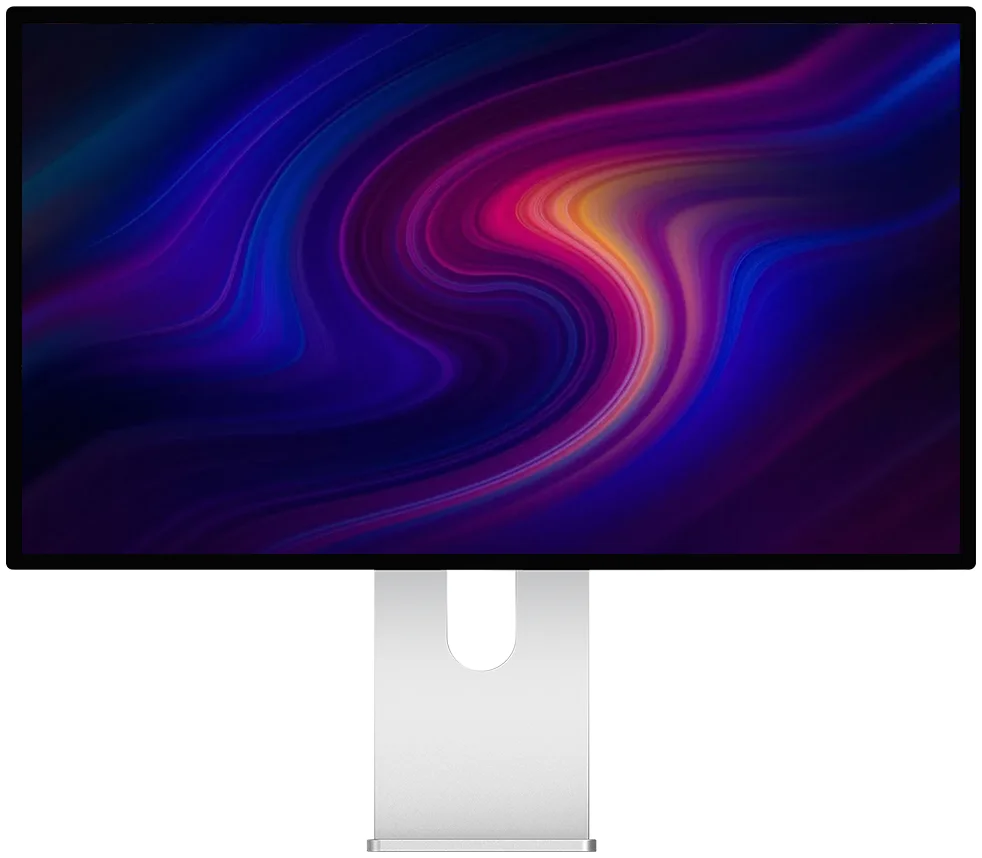
Kuycon P32T
32" · 4K · 2 × HDMI 2.1
From kr9,102.78 incl. VAT
- Resolution3840 × 2160
- Refresh rate160 Hz
- HDMI2 ports at 2.1
- Response1 ms GtG
- Colours98 % DCI-P3
- SyncFreeSync
Why we recommend it: two HDMI 2.1 ports means one console on each with nothing to unplug. A native 4K panel in 16:9, factory calibrated, aluminium chassis: it works as well as a work monitor as it does as a living-room screen.
Kuycon P32K
32" · 4K · HDMI 2.1
From kr8,549.90 incl. VAT
- Resolution3840 × 2160
- Refresh rate144 Hz
- HDMI2.1
- PanelFast IPS
- Brightness500 nits
- Format16:9
Why we recommend it: the coherent entry ticket for a console: 32 inches, native 4K, HDMI 2.1, under €800. At 139 ppi, the image stays comfortable from sofa distance as well as from desk distance.
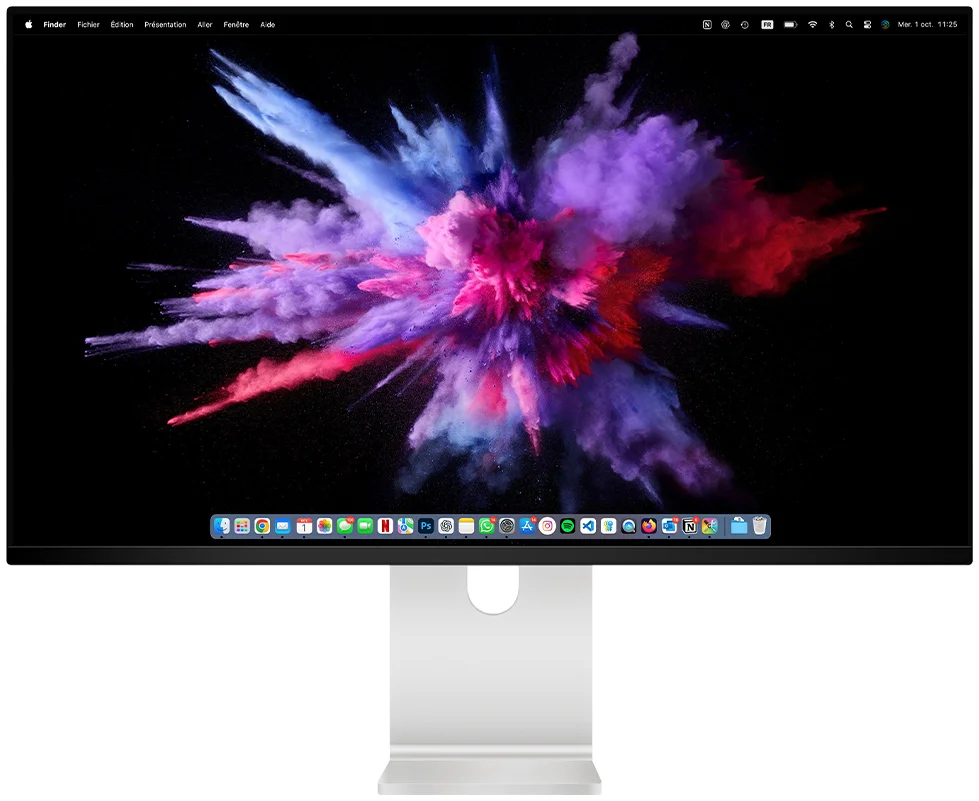
Kuycon Q32S
32" · QD-OLED · 4K 240 Hz
From kr14,219.90 incl. VAT
- Resolution3840 × 2160
- PanelQD-OLED
- Contrast1 500 000:1
- Peak brightnessup to 1000 nits
- Refresh rate240 Hz
- Supplied withremote control
Why we recommend it: the absolute black of QD-OLED transforms dark games, and its remote control makes it a genuine living-room screen. Check the version of its HDMI ports on the product page according to the console use you have in mind.
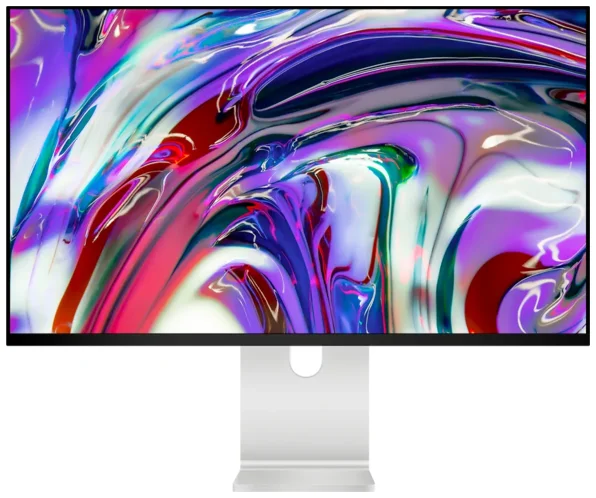
New — Kuycon P27ZB
27" 4K (3840 × 2160) · 240 Hz (480 Hz FHD) · Nano IPS Black · 939 €
See the P27ZB ›Frankly
What is better avoided for a console
- The Q34W and P40K ultrawides. They are excellent monitors, but consoles do not support 21:9: you will play with black bars at the sides in the vast majority of titles. Their HDMI is also version 2.0, which limits things to 4K at 60 Hz.
- The 5K and 6K models, for console-only use. The G27P, for example, supports consoles up to 4K at 60 Hz: it works very well, but you are paying for a 5K panel whose resolution the console does not use. If the monitor also serves for work on a Mac, the trade-off becomes quite different.
Sound, without built-in speakers
The monitors in the range have no speakers, which raises a genuine question with a console. Three simple answers: the 3.5 mm headphone output present on the monitors, into which you plug a headset or a pair of powered speakers; the console's wireless headset, which connects directly to it; or a soundbar connected to the console rather than to the monitor.
Setting up the console after connecting
Plug into the right port
On a monitor with several HDMI ports, they are not necessarily all the same version. Check the product page and use the 2.1 port.
Enable 120 Hz mode on the console
It is not on by default. On PS5 as on Xbox, video output is set in the system settings.
Check HDR
Run the console's HDR calibration: it adapts the image to the monitor's real brightness, which changes the result considerably.
Use the remote control
Supplied with the monitor, it lets you change source and adjust the image with no button to hunt for — welcome from a sofa.
FAQ
Monitor and console: frequently asked questions
Which Kuycon monitor for a PS5 or an Xbox?
A native 4K in 16:9 with HDMI 2.1: the P32T, which offers two HDMI 2.1 ports for connecting two consoles, or the P32K under €800. The Q32S if image quality comes first, thanks to its QD-OLED.
Is HDMI 2.1 absolutely necessary?
To make use of the 120 Hz modes of recent consoles, yes. HDMI 2.0 tops out at 18 Gbit/s, that is 4K at 60 Hz. It is the only truly decisive criterion for console use.
Is an ultrawide monitor suitable for a console?
No, not really. Consoles do not support the 21:9 format: most games display with wide black bars at the sides. The Q34W and P40K are excellent monitors for a PC, not for a console.
Does a console benefit from a 5K monitor?
No: consoles output 4K at most, and the image is then scaled. It works perfectly, but the extra pixels serve no purpose. A 5K is justified if the monitor also serves for work.
How do you get sound?
The monitors have no built-in speakers. Use the monitor's 3.5 mm headphone output with a headset or powered speakers, the console's wireless headset, or a soundbar connected directly to the console.
Native 4K, HDMI 2.1, 16:9
The three criteria that count for a console, from €770. Delivery and after-sales service in Europe, 2-year warranty in the European Union.
See the 4K monitorsGuide written in August 2026. The HDMI port version varies by model; check the product page before buying.