
Head to head · 2026
G27P or G27X SE? The two 5K monitors, and the stand that changes the sums
Two 27-inch 5K monitors at 218 ppi, twenty-odd euros apart. One is brighter and faster, the other is the only one in the range supplied with its stand. The real gap is not the one you would think.
Comparison
The two 27-inch 5K monitors
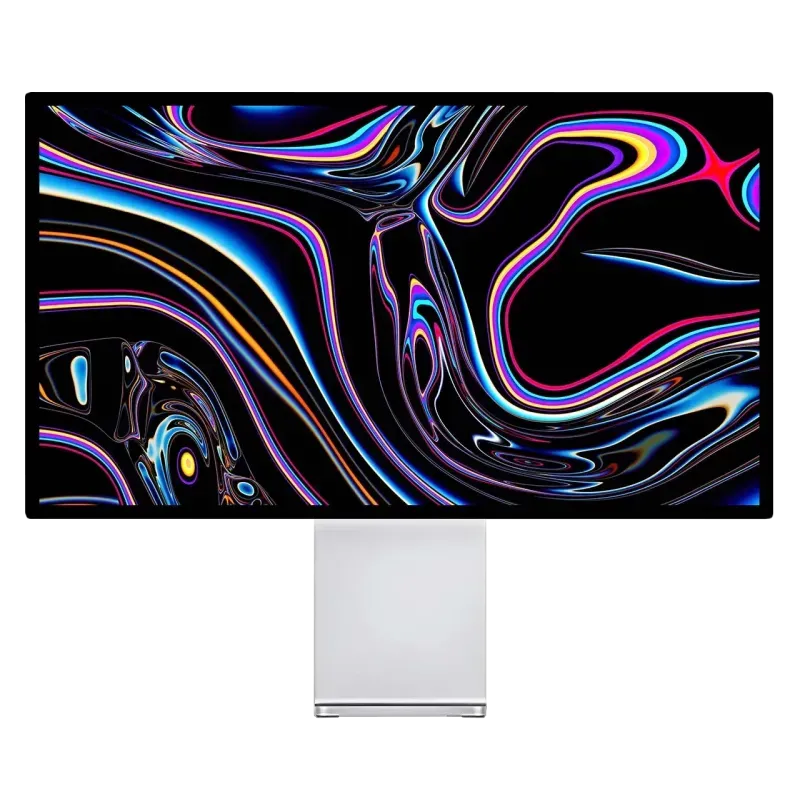
Kuycon G27P
27" · 5K · IPS Black · 75 Hz
From $HK8,589.90 incl. VAT
- Resolution5120 × 2880
- Density218 ppi
- PanelIPS Black
- Brightness600 nits
- Contrast2000:1
- Refresh rate75 Hz
Why we recommend it: 600 nits and an IPS Black panel: it is the brightest and best-contrasted 5K in the range, in an aluminium chassis with thin bezels.
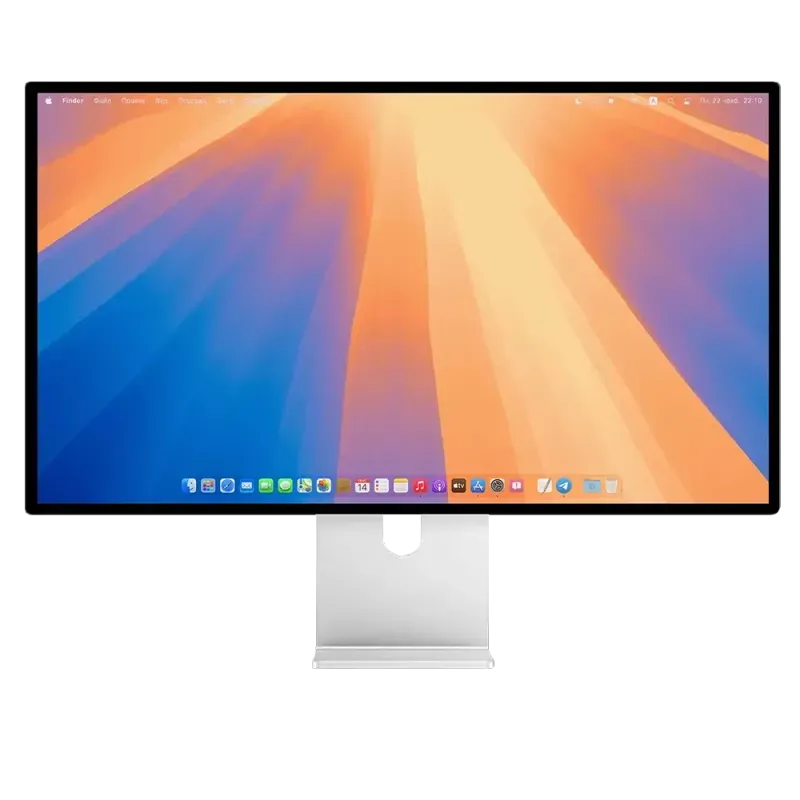
Kuycon G27X SE
27" · 5K · 60 Hz · stand included
From $HK8,376.49 incl. VAT
- Resolution5120 × 2880
- Density218 ppi
- Brightness450 nits
- Contrast2000:1
- Refresh rate60 Hz
- Standincluded
Why we recommend it: The same resolution, the same density, the same contrast, and the monitor stand is in the box — the only model in the range in that case.
| G27P | G27X SE | |
|---|---|---|
| Resolution | 5120 × 2880 | 5120 × 2880 |
| Density | 218 ppi | 218 ppi |
| Brightness | 600 nits | 450 nits |
| Contrast | 2000:1 | 2000:1 |
| Panel | IPS Black | IPS |
| Refresh rate | 75 Hz | 60 Hz |
| Stand in the box | no, from €49.90 | yes |
| Price | $HK8,589.90 | $HK8,376.49 |
Manufacturer specifications. Prices are shown in your currency.
The stand calculation
This is the point most comparisons miss. The G27X SE is the only monitor in the range supplied with its monitor stand; on every other model, the adjustable stand is ordered in a pack or separately, from €49.90.
On the price tag, €23 separates the two models. With the stand included, the real gap exceeds €70 in favour of the SE.
What the 600 nits change
450 nits is enough in a room with controlled lighting. 600 nits become useful in two cases: a very bright desk, and HDR work, where the brightness headroom serves to display the highlights.
If you work near a glazed frontage or if you grade in HDR, the G27P is the right choice.
75 Hz against 60 Hz
Let us be honest: the gap is real but modest. You perceive it when scrolling a page and moving the cursor, not much beyond that. It is not a sufficient argument on its own.
If smoothness really counts for you, neither one is the answer: look at the P27ZB or the P27Z.
Our recommendation
You are starting from scratch, with no desk arm: the G27X SE. Stand included, the same image, cheaper.
You already have a VESA arm: the G27P. For €23, you gain the brightness and the IPS Black panel.
Your desk is very bright: the G27P, without hesitation.
FAQ
G27P or G27X SE: frequently asked questions
Is the stand really included with the G27X SE?
Yes: the box contents list a monitor stand, in addition to the VESA adapter and the cables. It is the only model in the range in that case; on the others, the stand is ordered in a pack or separately from €49.90.
Is it the same panel?
The resolution, the density and the contrast are identical: 5120 × 2880 at 218 ppi, 2000:1. The G27P is brighter (600 nits against 450) and reaches 75 Hz instead of 60.
Which is cheaper in total?
The G27X SE, if you need a stand: the real gap then exceeds €70. If you mount the monitor on a desk arm, it falls to €23.
Is 450 nits enough?
In a room with controlled lighting, yes. Near a large window or for HDR work, the G27P's 600 nits provide useful headroom.
Are they Mac compatible over one cable?
Yes, both connect over USB-C with picture and charging on the same cable, and display the native 5K at 218 ppi that macOS expects.
Two 5K monitors at 218 ppi, only one with its stand
The same sharpness, two ways of equipping the desk. 2-year warranty in the European Union.
See the rangeComparison written in September 2026. The specifications are those published by the manufacturer; check the product page before buying.